Is Google Analytics free? What it costs, what 360 is and what you really pay
Yes, Google Analytics is free. Standard Google Analytics costs nothing to use, and Google's own page says it gives you the tools "free of charge". The paid version, Analytics 360, has no published price. This guide sets out what Google says is free and what is paid, with the page each fact came from, then covers the costs that never show up on an invoice. Facts checked on 19 October 2026.
TL;DR
- Standard Google Analytics is free: Google's own page says it gives you the tools free of charge.
- The paid version, Analytics 360, has no published price.
- Some costs never show up on an invoice.
- Facts checked on 19 October 2026.
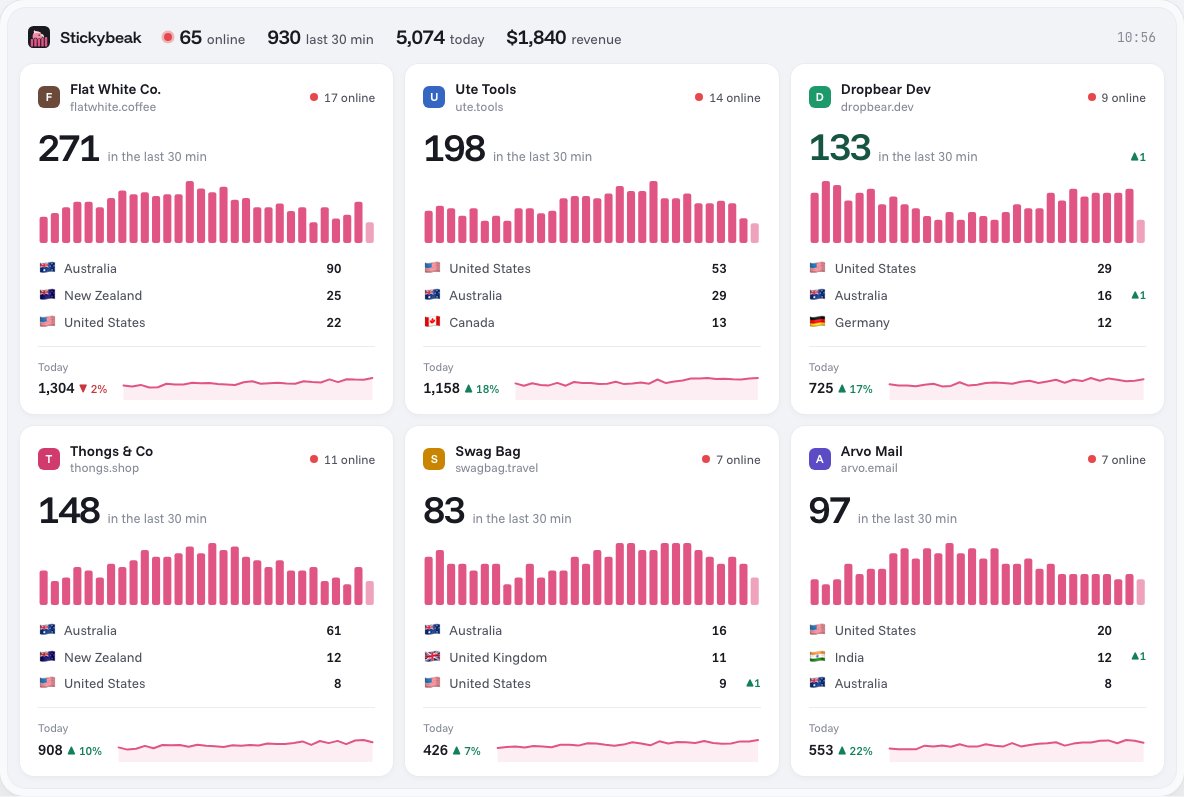
Stickybeak is live analytics for every site you own, set up with one script tag. It is in early access, with a free plan and paid plans from US$20 a month.
Get early accessThe short answer
Is Google Analytics free? For the standard product, yes. Google's Analytics page says it gives you the tools "free of charge", and we found no price for the standard product on the Google pages we read. What Google does charge for is Analytics 360, and for Google Cloud services around the product.
- Standard Google Analytics: free of charge, per Google's Analytics page.
- Analytics 360: paid, aimed at large enterprises. Google's Analytics 360 page shows a "Talk to Sales" link and no price.
- Things around the free product that can cost money: BigQuery export beyond the free limits, and your own time.
We found no public price on the Google pages we checked, so we have not repeated third-party estimates.
Free versus 360, from Google's own comparison
Google's help page Google Analytics 360 (Google Analytics 4 properties) lists limits for standard and 360 properties. We read it on 19 October 2026 and copied the rows below. Google changes these limits, so check the page before you plan around one.
| Limit | Standard (free) | Analytics 360 (paid) |
|---|---|---|
| Event parameters per event | 25 | 100 |
| User properties | 25 | 100 |
| Key events | 30 | 50 |
| Audiences | 100 | 400 |
| Detailed data retention (explorations and funnel reports) | Up to 14 months | Up to 50 months |
| BigQuery export, daily | 1 million events | Billions of events |
| Service level agreement | Not listed | Covered by the Google Marketing Platform GA 360 service level agreements |
| Price | Free of charge | Not published |
The limits and the service level row come from the 360 help page; the price row comes from the two Google pages above. The help page also says that if you bought Analytics through a Google Sales Partner, the partner has to do the upgrade or downgrade, so 360 can be bought through a reseller.
Which version do you need?
Read the limits in the table above against what you actually run. Standard properties allow 25 event parameters per event, 30 key events, 100 audiences and up to 14 months of detailed data retention. The rows where 360 is higher are the ones to check before you ask Google about a paid plan:
- You track many custom details per event. Standard has 25 event parameters per event and 25 user properties; 360 lists 100 of each.
- You need more than 30 key events or 100 audiences. 360 lists 50 and 400.
- You look back through explorations and funnel reports for longer than 14 months. 360 lists options up to 50 months.
- You need a complete daily batch export of more than a million events a day to BigQuery. Standard has a daily batch export limit of 1 million events; 360 lists billions. Standard properties can also use streaming export, which Google lists without a volume limit, with separate BigQuery charges.
- You need a service level agreement. Google lists the GA 360 service level agreements for 360; ask Google what applies to your property.
If none of those describe you, the paid tier is probably not your question. The question is whether the free tool answers the questions you have, which our Google Tag Manager vs Google Analytics and SEO and Google Analytics guides help you work out.
Where the free product can still cost money
Google's BigQuery Export help page says you can export to a free instance of BigQuery (the sandbox), but exports that exceed the sandbox limits incur charges. It also says each export incurs costs on the BigQuery side for storage and processing, and that streaming export costs $0.05 per gigabyte of data. Standard properties have a daily batch export limit of 1 million events; streaming export has no such limit but is charged separately.
Most small sites never touch this. It matters when you want raw event data in a warehouse, and the bill then comes from Google Cloud, not from Analytics.
Costs that are not on an invoice
None of these is in Google's pricing, and none is guaranteed. They are the places where "free" tends to turn into hours, so budget for them.
- Setup time. Adding the tag, marking key events and checking the numbers is work, and it is repeated for every site you own. A tag manager can help; see GTM vs Google Analytics for what it does and costs you, and our Google Tag Manager guide for installing Stickybeak through it.
- Consent work. Whether you need to ask visitors before measuring them depends on your law and your setup. If you do, that means a consent tool and someone to maintain it. Our consent and cookie banner notes cover what Stickybeak does, not what your law requires.
- Reporting time. A tool with many reports takes time to learn and to keep tidy. Clean UTM parameters save a lot of it.
- Retention. The 14 months in Google's table is the retention setting for event and user-level data. Google's data retention help page says it only affects explorations and funnel reports, not standard aggregated reports. If you want detailed history beyond it, you would need to export it yourself.
- Switching later. The longer you wait, the more history sits in one tool. Our alternatives guide covers what to check before you move, and how to remove Google Analytics covers the switch-off.
If free is why you chose it, what else to weigh
Price is one input. Others are how visitor data is handled and whether the tool shows all the sites you run in one place. These guides cover privacy, consent and managing several sites:
- Google Analytics and GDPR on the cookies it sets and when you need consent.
- Google Analytics alternatives for people who run several sites, in each vendor's own words.
- Adobe Analytics vs Google Analytics if you are comparing it with Google Analytics.
- Best website analytics tools, ten free and paid options with prices from each vendor's own pages.
- How to see who visits your website and real-time website analytics if what you want is a live view.
Where Stickybeak fits
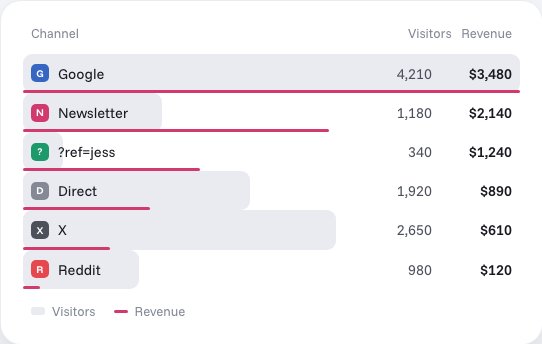
Stickybeak is live analytics for people who run more than one site: every site on one wall, revenue tied to the channel it came from, one script tag per site. It is in early access, with a free plan and paid plans from US$20 a month, and the pricing page has the details. If your question is really "do I need a paid analytics tool at all", running Stickybeak beside your current tool is a way to find out what you actually use. The FAQ answers the common questions, and analytics for multiple websites explains how several sites share a workspace. If you run Google Analytics for clients, setting it up for an agency or many sites covers accounts and access.
Questions
Is Google Analytics free?
Yes for the standard product. Google's Analytics page says it gives you the tools free of charge. Analytics 360 is the paid enterprise version, and Google does not publish its price. Some things around the free product can cost money, such as BigQuery storage and processing beyond the free allowances.
How much does Google Analytics 4 cost?
Standard Google Analytics 4 properties are free. Google does not list a price for Analytics 360 on its pages (checked 19 October 2026); its Analytics 360 page has a Talk to Sales link and no figure.
How much does Google Analytics 360 cost?
Google does not publish a price. Its Analytics 360 page has a Talk to Sales link and no figure, and its help page says that if you bought through a Google Sales Partner, the partner handles upgrades and downgrades. We found no public price on the Google pages we checked, so we have not repeated third-party estimates.
What do you get with the paid version?
Higher limits, longer data retention and a service level agreement. Google's comparison lists 100 event parameters per event instead of 25, 50 key events instead of 30, 400 audiences instead of 100, and up to 50 months of detailed data retention instead of up to 14.
Is there a hidden cost to Google Analytics?
The software is free, but your time is not. Setup, consent work where your law requires it, reporting, and any export to BigQuery can cost something. Google says BigQuery storage and processing can incur charges beyond the free allowances, and streaming export is charged separately at $0.05 per gigabyte.
What are the limits of free Google Analytics?
On Google's comparison page (read 19 October 2026), standard properties have 25 event parameters per event, 25 user properties, 30 key events, 100 audiences, up to 14 months of detailed data retention and a daily batch BigQuery export limit of 1 million events. Analytics 360 lists higher numbers for each.
Can I use BigQuery with free Google Analytics?
Yes, within limits. Google says you can export to a free instance of BigQuery (the sandbox), but exports that exceed the sandbox limits incur charges. Standard properties have a daily batch export limit of 1 million events; streaming export has no such limit but is charged separately.
Can I buy Analytics 360 through a reseller?
Google's help page says that if you purchased through a Google Sales Partner rather than directly from Google, the partner handles any service level upgrade or downgrade, so a partner can be involved. Google does not publish a price either way.
What does Stickybeak cost?
Stickybeak has a free plan for up to 10k pageviews a month, and paid plans start at US$20 a month. The pricing page lists every plan.
Sources, all read on 19 October 2026: Google, Data retention,Analytics overview, Analytics 360, Google Analytics 360 (Google Analytics 4 properties) and BigQuery Export. Stickybeak facts come from this site's home page and docs. Google changes its pages; if one has moved on, tell us and we will fix it.