Using the dashboard
Sites and settings
Workspace admins manage tracked sites from Settings. Members can view them.
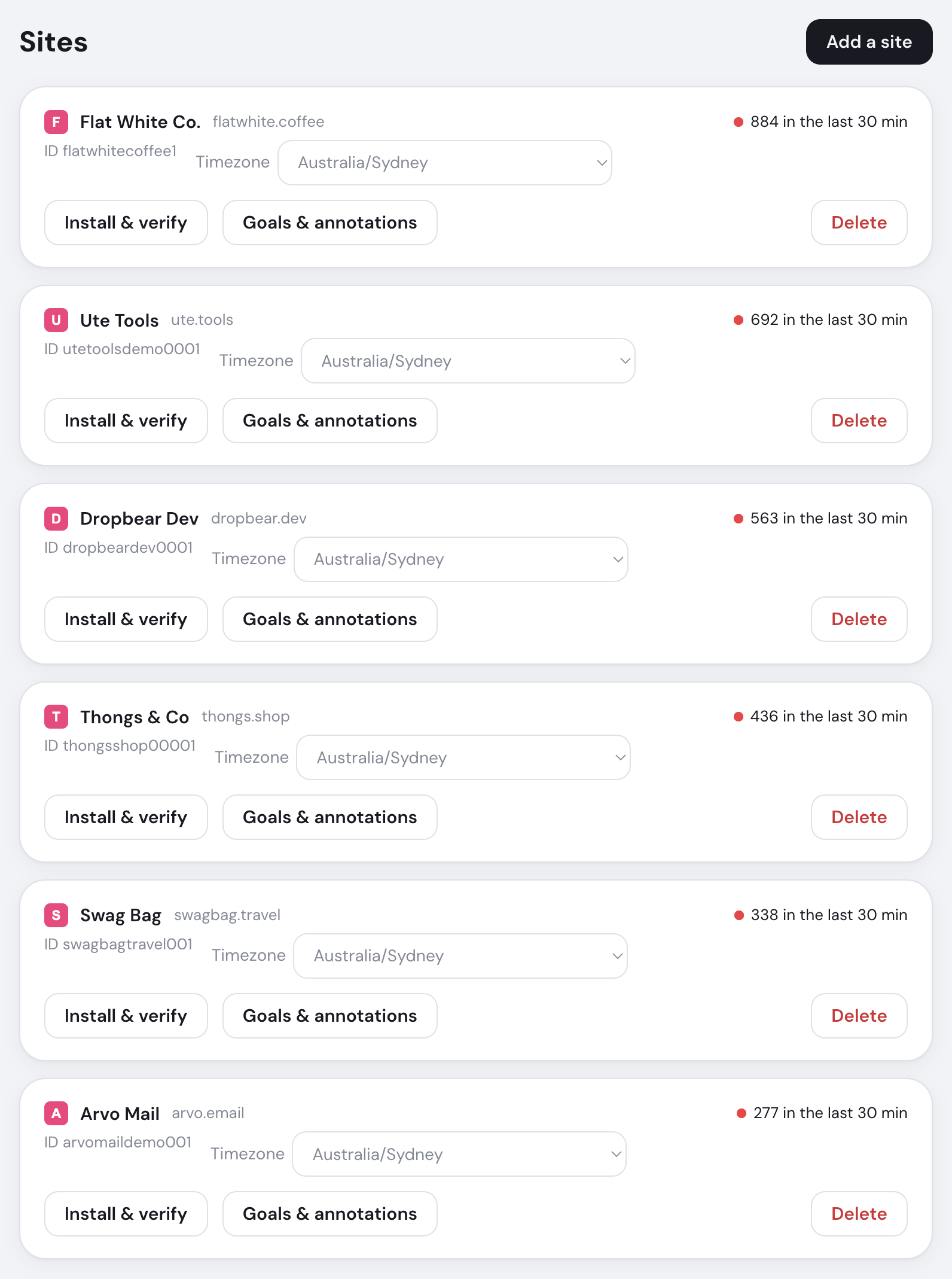
Open any site from the wall to see its analytics before changing its settings.
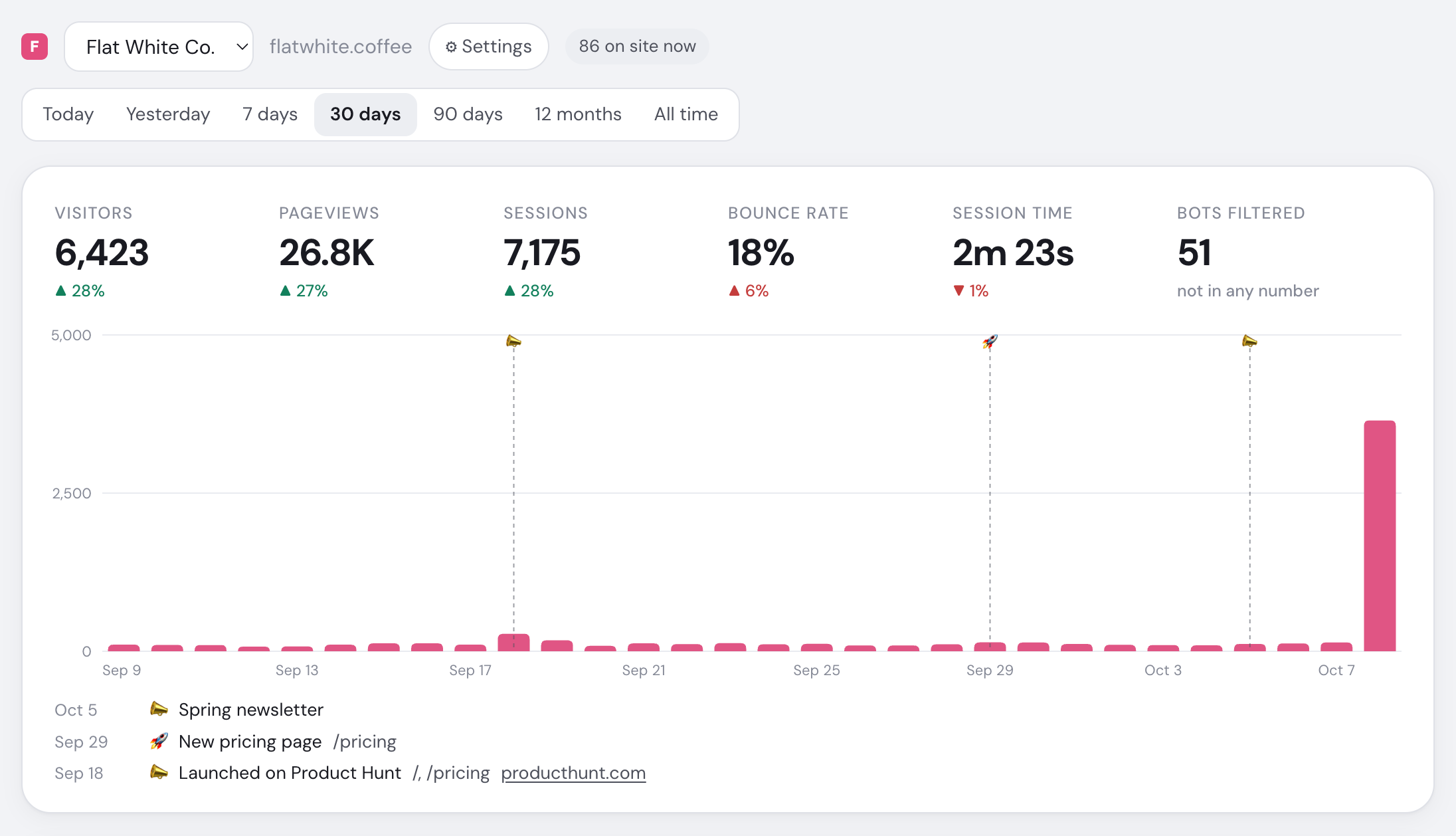
- Choose the site to analyse
- Visitors currently on this site
- Choose the reporting date range
- Unique visitors and prior-period change
- Bounce rate; lower is an improvement
- Filtered bots excluded from every metric
- Visitor trend across the selected range
Add a site
Domain
Enter the hostname, name and reporting timezone.
www.is removed; subdomains are included.Install
Choose your stack and copy the tracker to every page.
Verify
Pass the homepage-tag and first-live-visitor checks.
Choose Later to close the guide and Install & verify to return. A domain can belong to only one workspace.
Site settings
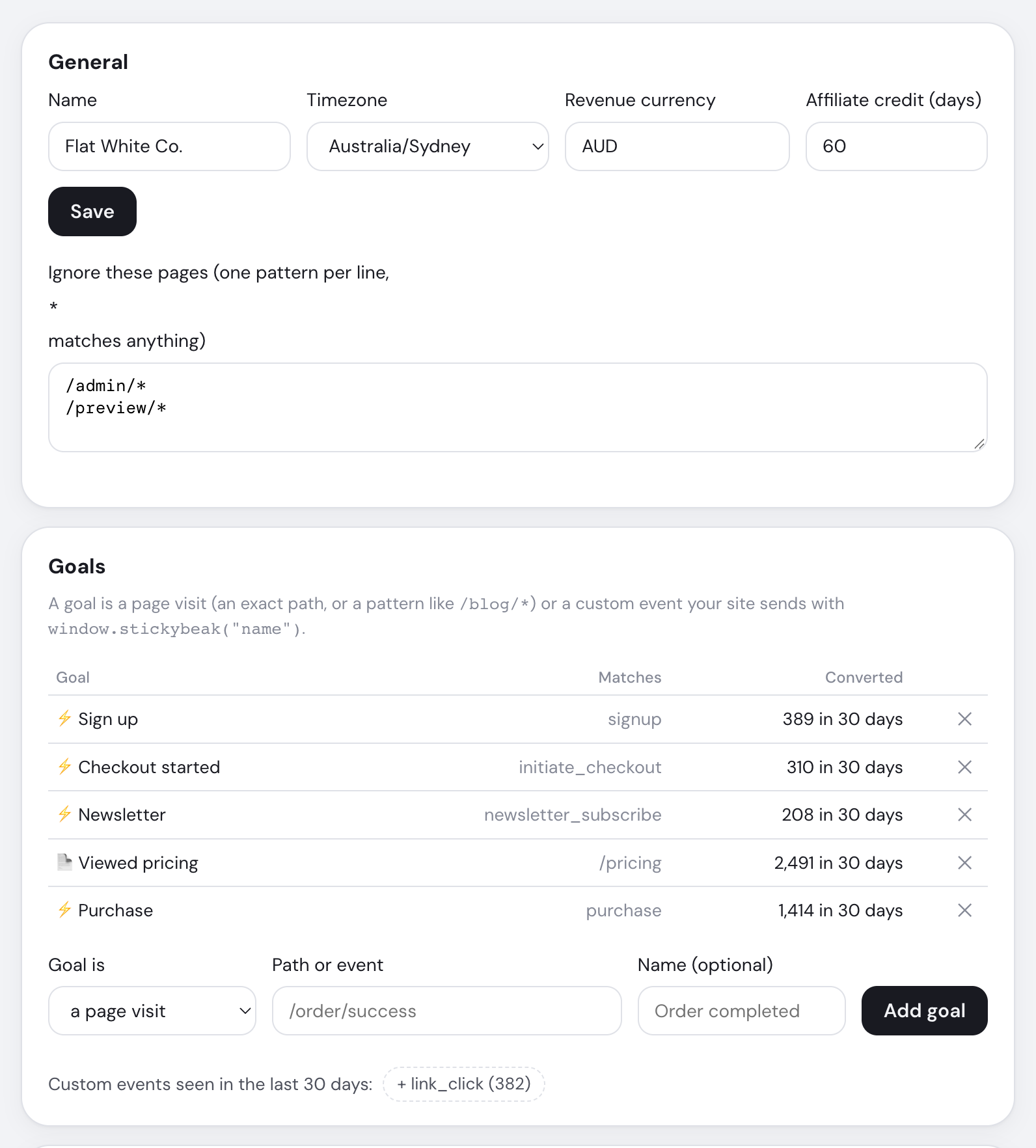
| Setting | Effect |
|---|---|
| Name | Label on the wall and menus |
| Timezone | When reporting days begin and end |
| Revenue currency | Currency used for converted totals |
| Affiliate credit | 1–365 days; 60 by default |
| Ignore these pages | Up to 50 paths; * matches the rest |
Ignored pages are dropped from the moment you save; existing data remains. Changing timezone affects raw ranges immediately, but older daily summaries keep their original boundaries.
The same page manages goals, affiliates and annotations. Workspace Settings also contains API tokens and the hourly retention job.
Delete a site
Choose Delete this site and type its domain. Remove the tracker too.
The site, analytics, revenue and annotations are deleted. Already archived days remain in archive storage.